
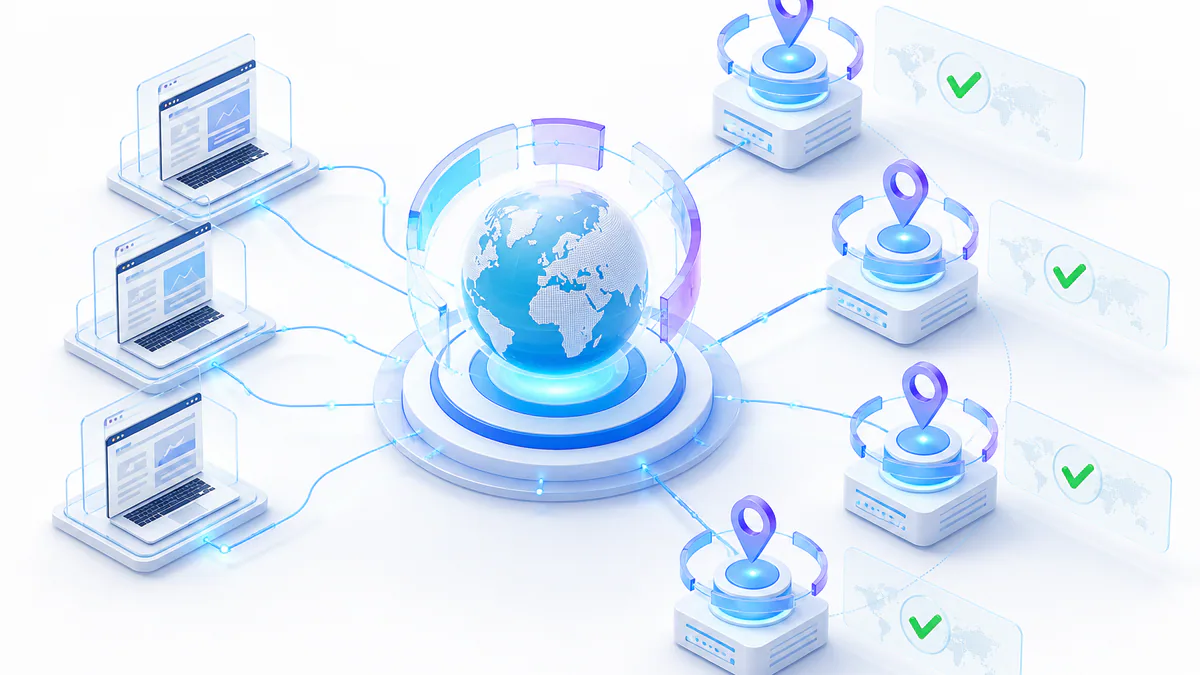
Selenium is commonly used for browser automation, web testing, and legitimate web scraping workflows.
When Selenium is combined with elite rotating proxies, requests can be routed through different IP addresses instead of one direct connection.
This guide explains how proxies work, why proxy rotation matters, how to configure proxies in Selenium, and how to troubleshoot common proxy issues.
- Elite proxies hide your real IP address and reduce detectable proxy signals.
- Rotating proxies distribute Selenium requests across multiple IP addresses.
- Proxy pools help reduce repeated use of one IP address during scraping.
- Selenium can use proxies through Chrome options and Selenium Wire.
- Authentication, proxy testing, and monitoring are important for stable workflows.
What Is a Proxy and How Does It Work?
A proxy server acts as an intermediary between your device and the internet. Instead of connecting directly to a target website, your request is routed through the proxy server first.
The proxy forwards the request, receives the response, and sends it back to your browser or automation script. The target website sees the proxy IP address instead of your original IP address.
In Selenium workflows, proxies can help separate automated browser traffic from your direct network identity and distribute requests across different IP routes.
Proxies are often used to:
- Bypass regional filters or network restrictions where permitted.
- Maintain privacy during browser automation and scraping workflows.
- Distribute requests across multiple IP addresses.
- Test websites from different network routes or locations.
Elite Proxies for Web Scraping
Elite proxies provide a high level of anonymity. They mask the original IP address and avoid exposing obvious proxy-identifying headers.
Unlike standard proxies, elite proxies are designed to make proxy usage less visible to destination websites.
For Selenium, elite proxies can help reduce direct IP exposure, improve scraping reliability, and support workflows where anonymity and stability matter.
Elite proxy benefits:
- High anonymity for Selenium browser automation.
- Lower direct exposure of your real IP address.
- Better reliability when using premium proxy infrastructure.
- Support for scraping, testing, monitoring, and research workflows.
Understanding Proxy Rotation
Proxy rotation assigns a new IP address after each request, after a few requests, or after a fixed time interval.
This is useful because repeated requests from the same IP address can create patterns that lead to rate limits, blocks, or failed scraping sessions.
A rotating proxy setup spreads Selenium traffic across many IP addresses. This helps reduce overuse of one route and supports longer-running workflows.
Proxy rotation helps with:
- Reducing repeated traffic from one IP address.
- Distributing requests across a larger proxy pool.
- Improving anonymity during scraping and testing.
- Reducing the risk of IP-based blocks.
Benefits of Rotating Proxies in Selenium
Rotating proxies can improve Selenium workflows by spreading requests across several IP addresses.
This makes repeated scraping activity less dependent on a single proxy route and can reduce the chance that one IP becomes blocked.
Rotating proxies can also help with region-specific testing, market research, and workflows that require multiple browser sessions.
Main benefits:
- Avoid IP blocking by distributing traffic.
- Improve request success rates for public data workflows.
- Access geo-specific content for testing and research.
- Enhance anonymity by cycling through different proxy IPs.
How Proxy Pools Work
A proxy pool is a collection of proxy IP addresses used to distribute requests.
When combined with Selenium, a proxy pool can assign different proxies to different browser sessions or request batches.
Larger proxy pools provide more routing options, reduce repeated use of one IP address, and improve flexibility for scraping and testing workflows.
Related guide
Learn more about rotating and backconnect proxies for larger proxy workflows.
A good proxy pool should provide:
- Enough IP addresses for your request volume.
- Low latency and stable uptime.
- HTTP, HTTPS, or SOCKS5 support.
- Authentication through username/password or IP whitelist.
- Clear documentation for Selenium integration.
Choosing a Reliable Proxy Provider
The success of a Selenium proxy setup depends heavily on proxy quality.
Free proxies may look attractive, but they are often slow, unstable, overloaded, and unsafe for important workflows.
Premium proxy providers usually offer stronger uptime, larger proxy pools, authentication options, lower latency, and better support.
Proxy option
For automated rotation, compare ProxyTitan rotating datacenter proxies .
Look for providers with:
- Premium proxies with high uptime and low latency.
- Large rotating proxy pools.
- HTTP, HTTPS, and SOCKS5 support.
- Username/password authentication or IP whitelisting.
- Clear documentation and responsive support.
Setting Up a Proxy in Selenium
Selenium can use proxies through browser options. In Chrome, the most common method is adding the --proxy-server argument through ChromeOptions.
Before running larger workflows, always verify the proxy connection with an IP-check endpoint such as https://httpbin.org/ip.
If your proxy requires username and password authentication, Selenium Wire or IP whitelisting can make the setup easier.
pip install seleniumfrom selenium import webdriver
from selenium.webdriver.chrome.options import Options
proxy = "http://123.45.67.89:8080"
chrome_options = Options()
chrome_options.add_argument(f"--proxy-server={proxy}")
driver = webdriver.Chrome(options=chrome_options)
try:
driver.get("https://httpbin.org/ip")
print(driver.page_source)
finally:
driver.quit()Best Practices for Web Scraping with Proxies
Using proxies efficiently can improve Selenium scraping reliability.
A strong setup combines a trusted proxy provider, responsible request pacing, proxy rotation, authentication, and regular proxy testing.
If your provider offers a rotating gateway, you may only need one endpoint. If you manage your own proxy list, test and rotate proxies carefully.
Best practices:
- Choose a trusted proxy provider with a large rotating pool.
- Use premium proxies with consistent performance.
- Rotate proxies regularly to distribute requests.
- Monitor proxy usage and avoid overloading one IP.
- Secure proxies with username/password authentication or IP whitelisting.
- Regularly test proxies and remove failing entries.
from selenium import webdriver
from selenium.webdriver.chrome.options import Options

proxy_list = [
    "http://123.45.67.89:8080",
    "http://98.76.54.32:3128",
    "http://12.34.56.78:8000",
]

for proxy in proxy_list:
    chrome_options = Options()
    chrome_options.add_argument(f"--proxy-server={proxy}")

    driver = webdriver.Chrome(options=chrome_options)

    try:
        driver.get("https://httpbin.org/ip")
        print(f"Proxy used: {proxy}")
        print(driver.page_source)
    finally:
driver.quit()from seleniumwire import webdriver
options = {
"proxy": {
"http": "http://user:[email protected]:8080",
"https": "http://user:[email protected]:8080",
"no_proxy": "localhost,127.0.0.1",
}
}
driver = webdriver.Chrome(seleniumwire_options=options)
try:
driver.get("https://httpbin.org/ip")
print(driver.page_source)
finally:
driver.quit()Troubleshooting Common Issues with Proxies in Selenium
Proxy problems are common in Selenium workflows. The most frequent issues are invalid proxies, authentication errors, SSL errors, timeouts, and slow connections.
If a proxy fails, test it outside Selenium first. Then verify the proxy format, protocol, port, credentials, and provider status.
Regularly updating your proxy list helps remove blocked or outdated IP addresses before they interrupt automation tasks.
Troubleshooting checklist:
- Remove invalid or outdated proxies.
- Check whether the proxy requires authentication.
- Use IP whitelisting where possible.
- Verify the protocol: HTTP, HTTPS, or SOCKS5.
- Increase timeouts for slower proxies.
- Test the visible IP with an IP-check endpoint.
chrome_options.add_argument("--ignore-certificate-errors")
chrome_options.add_argument("--allow-insecure-localhost")
Selenium and Proxy Authentication
Selenium does not always handle username/password proxy authentication cleanly through basic browser options.
Two common workarounds are using IP whitelisting or using a library such as Selenium Wire to pass authenticated proxy settings.
IP whitelisting is often the simplest option when your proxy provider supports it. You add your server or local IP to the provider dashboard, then configure Selenium without username and password credentials.
Authentication options:
- Username/password authentication with Selenium Wire.
- IP whitelisting through your proxy provider dashboard.
- Browser extension-based authentication for special cases.
Conclusion
Using Selenium with elite rotating proxies can improve legitimate scraping, testing, and browser automation workflows.
Elite proxies help mask the original IP address, while rotating proxies distribute requests across multiple routes.
The best results come from choosing a reliable proxy provider, configuring Selenium correctly, testing every proxy route, and following responsible scraping practices.
Final takeaways:
- Use premium rotating proxies for better stability.
- Configure Selenium through ChromeOptions or Selenium Wire.
- Use proxy authentication or IP whitelisting.
- Test proxies before running larger workflows.
- Monitor failures and rotate weak proxies out of your setup.
Selenium Proxy FAQ
Need rotating proxies for Selenium?
Use ProxyTitan when your browser automation workflow needs rotating IPs, private authentication, high uptime, and scalable proxy routing.