Quickstart guide
Welcome to ProxyTitan. In a few minutes you’ll create an account, generate your API key, and send your first request. Contact support Create account
Step-by-step quickstart
- 1Create your accountSign up and create your free account to access the dashboard. Open sign up
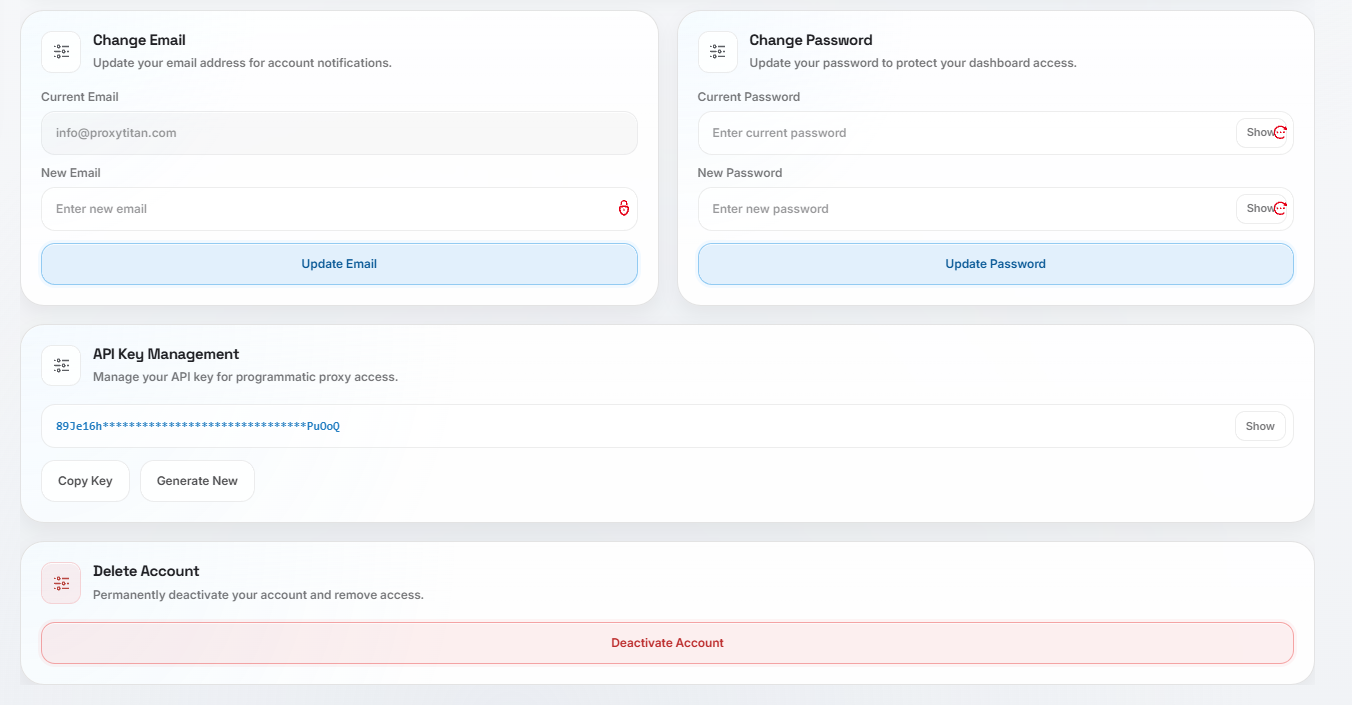
- 2Open dashboard settingsAfter login, navigate to Settings in your dashboard.
- 3Find the API key sectionInside Settings, locate the API Key section.
- 4Generate your API keyClick “Generate API Key”. Your key appears instantly.
- 5Store it securelySave the key somewhere safe. You can regenerate it anytime if needed.
Hint
Your generated API key does not expire and can be used immediately across all endpoints.
Dashboard → Settings → API Key → Generate